
Export Apple Reminders to CSV
A plain spreadsheet file with one row per reminder and one column per field. It is the most portable format and the one to use for backups or importing into another to-do app.
- Best for
- Spreadsheets, backups and moving to another app
- Opens in
- Excel, Numbers, Google Sheets, Notion, Todoist
Download on the App Store
Free to try · iPhone, iPad and Mac
How to export Apple Reminders to CSV
- Download Export Reminders from the App Store and allow access to Reminders.
- Select the lists you want, then set filters such as completed reminders or a date range.
- Choose CSV as the export format and check the preview.
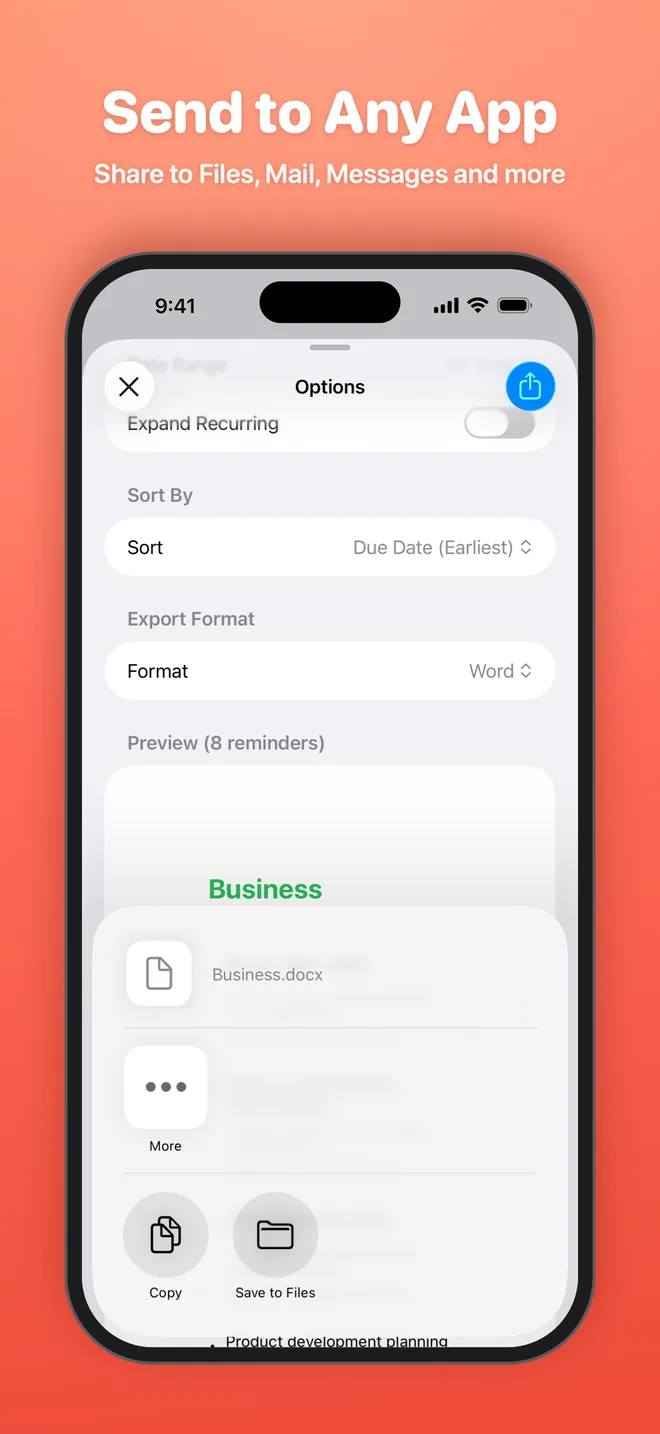
- Tap Export, then save the file to Files or share it to any app.
What is included
- List name
- Title
- Notes
- Due date
- Priority
- Completed status and date
- Recurrence
- Created and modified dates
Good for
- Keep a full backup of every list
- Move your tasks to Todoist, Notion, Things or Google Tasks
- Analyze or filter tasks in a spreadsheet
Get your reminders out of Reminders
Export your first list in under a minute. Free to try on iPhone, iPad and Mac.