
Export Apple Reminders to Email
A neatly formatted list in the body of an email, so the recipient can read it without opening an attachment or using an Apple device.
- Best for
- Sharing a list with anyone
- Opens in
- Any email app
Download on the App Store
Free to try · iPhone, iPad and Mac
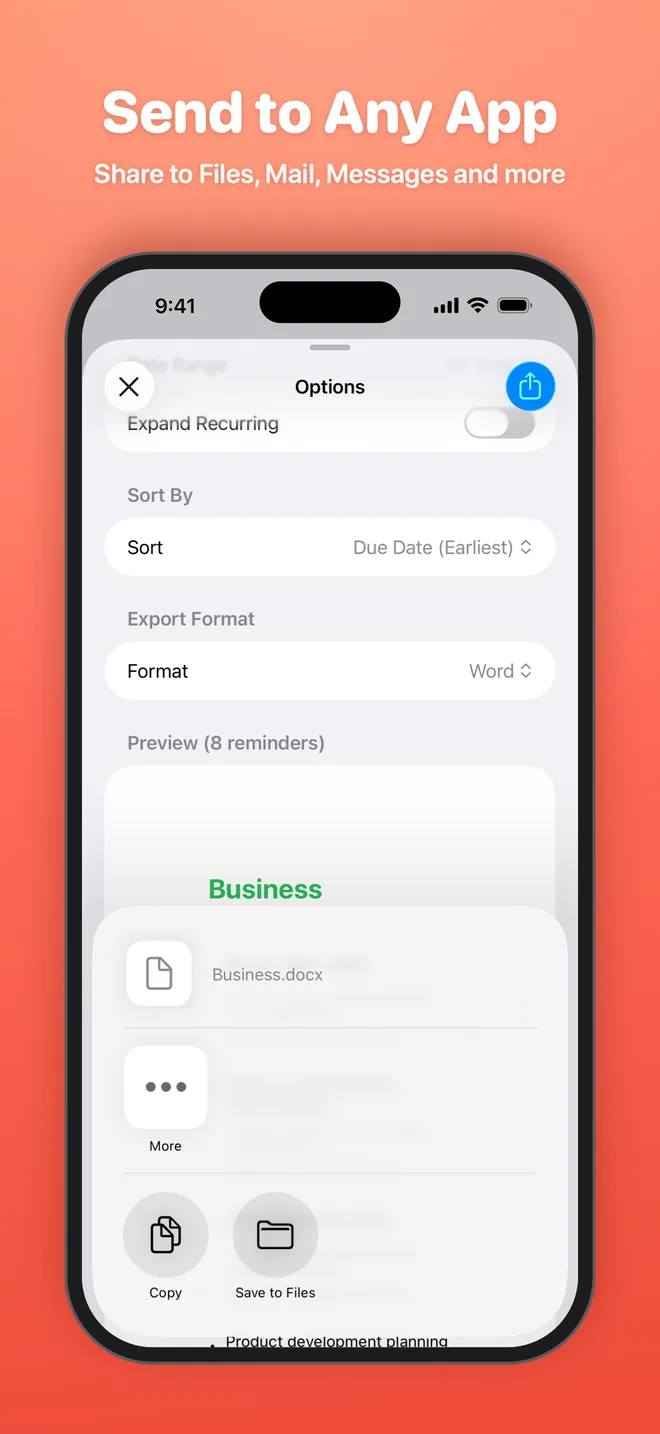
How to export Apple Reminders to Email
- Download Export Reminders from the App Store and allow access to Reminders.
- Select the lists you want, then set filters such as completed reminders or a date range.
- Choose Email as the export format and check the preview.
- Tap Export, then save the file to Files or share it to any app.
What is included
- List name
- Title
- Notes
- Due date
- Priority
- Completed status and date
- Recurrence
- Created and modified dates
Good for
- Send a to-do list to a colleague
- Share a shopping list with family
- Email yourself a daily plan
Get your reminders out of Reminders
Export your first list in under a minute. Free to try on iPhone, iPad and Mac.